New users get free credits - no credit card required Get started
APIAny logoAPIAny
AI Models
PricingFree API
Resources
Sign InGet Started
Text Generation

OpenAI logoOpenAI

GPT 5.6 API

OpenAI GPT 5.6 is a next-generation model family with selectable quality and efficiency tiers for reasoning, coding, agents, and production automation.

24H Status Monitor
24h success rate: 100%
GPT 5.6

Model:

gpt-5.6-sol
gpt-5.6-terra
Price: 6 credits per 1K input tokens · ≈ $0.003-$0.006 · 50 credits per 1K output tokens · ≈ $0.025-$0.05High stability with detailed usage records on the APIAny platform.
PlaygroundHistoryPricingModel overviewUse casesAPIFAQ
gpt-5.6-terra
62 (suggested: 2,000)
0.7
02

Sampling temperature. Lower is more deterministic.

1024
168192
->

USD estimate $0.026-$0.052: highest recharge package uses $1 = 2,000 credits; entry package uses $1 = 1,000 credits.

Preview
No Task Running
GPT 5.6
LLMResult preview

History

Saved locally in this browser

0 running · 0 completed

Your generation history will appear here

Input

6 credits/1K

≈ $0.003-$0.006

Output

50 credits/1K

≈ $0.025-$0.05

Cache

0.85 credits/1K

≈ $0.0004-$0.0008

Context

-

Max output

-
View API usage
Pricing
Model ID
Type
Quality
Price
gpt-5.6-terra
Text Generation
Input tokens
6 credits per 1K input tokens · ≈ $0.003-$0.006
gpt-5.6-terra
Text Generation
Cache read tokens
0.85 credits per 1K cached input tokens · ≈ $0.0004-$0.0008
gpt-5.6-terra
Text Generation
Output tokens
50 credits per 1K output tokens · ≈ $0.025-$0.05
gpt-5.6-terra
Text Generation
Minimum request
1.25 credits minimum · ≈ $0.0006-$0.0013
Model IDgpt-5.6-terra
TypeText Generation
QualityInput tokens
Price6 credits per 1K input tokens · ≈ $0.003-$0.006
Model IDgpt-5.6-terra
TypeText Generation
QualityCache read tokens
Price0.85 credits per 1K cached input tokens · ≈ $0.0004-$0.0008
Model IDgpt-5.6-terra
TypeText Generation
QualityOutput tokens
Price50 credits per 1K output tokens · ≈ $0.025-$0.05
Model IDgpt-5.6-terra
TypeText Generation
QualityMinimum request
Price1.25 credits minimum · ≈ $0.0006-$0.0013

Model overview

What is the GPT 5.6 API?

OpenAI GPT 5.6 is a next-generation model family with selectable quality and efficiency tiers for reasoning, coding, agents, and production automation.

Evaluate the model against reasoning depth, workflow fit, and production constraints before standardizing a route.

APIAny exposes GPT 5.6 through one documented API surface with live pricing, model status, request examples, and an on-page playground. Teams can evaluate the model here, then keep authentication, usage records, and production routing in the same platform.

Try GPT 5.6 in the playground
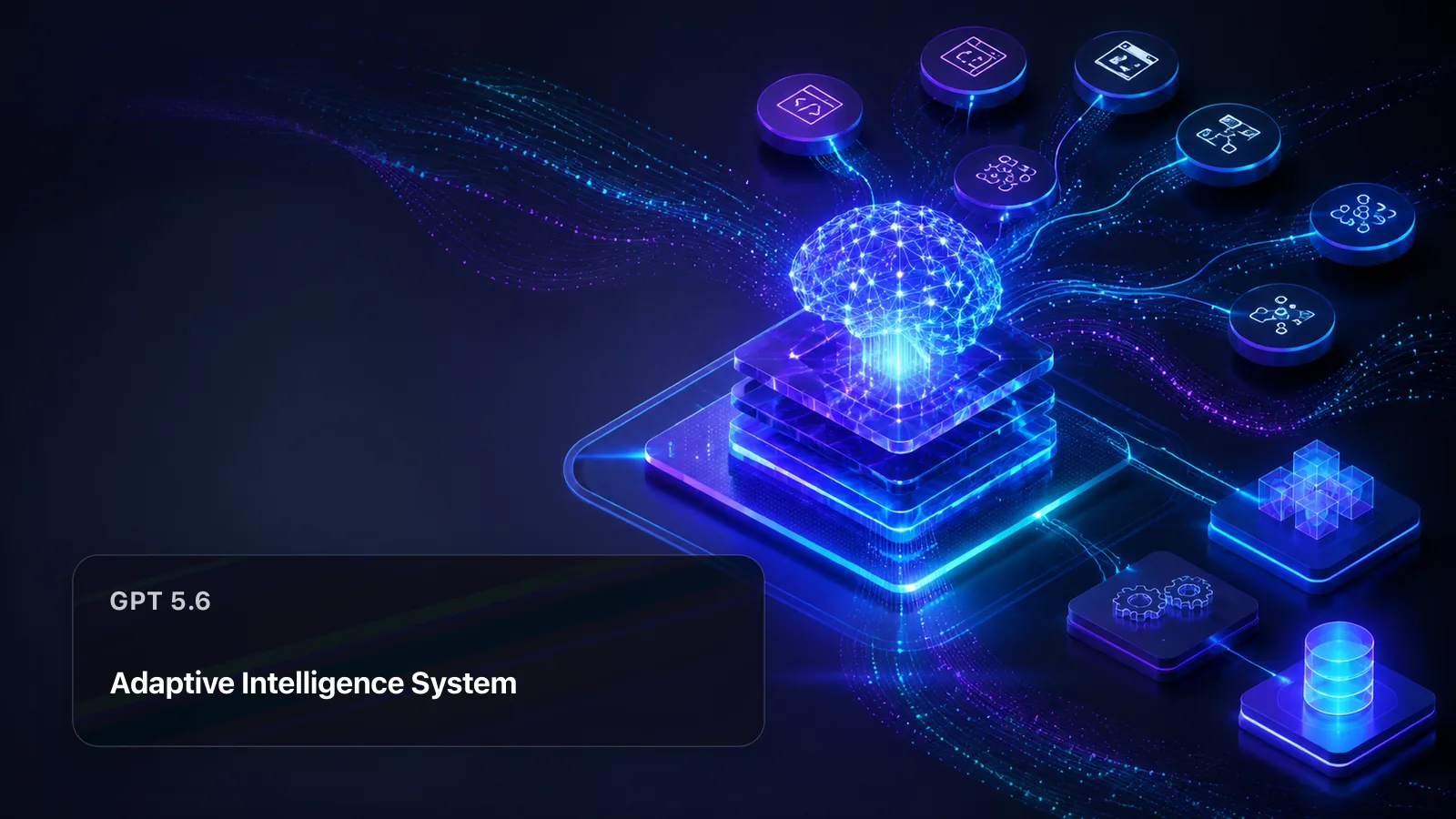
GPT 5.6 API workflow overview on APIAny
A visual map of the GPT 5.6 workflow.

Use cases

What can you build with the GPT 5.6 API?

These workflows show where GPT 5.6 fits in a real product. Test the same inputs in the playground, compare the output with related models, and choose the route that meets your quality, latency, and budget requirements.

01

Coding agents and software delivery

Use GPT 5.6 for repository analysis, implementation planning, code generation, review, and tool-assisted development. Provide clear constraints and validate generated changes with the same tests used by your engineering team.

Try GPT 5.6 in the playground
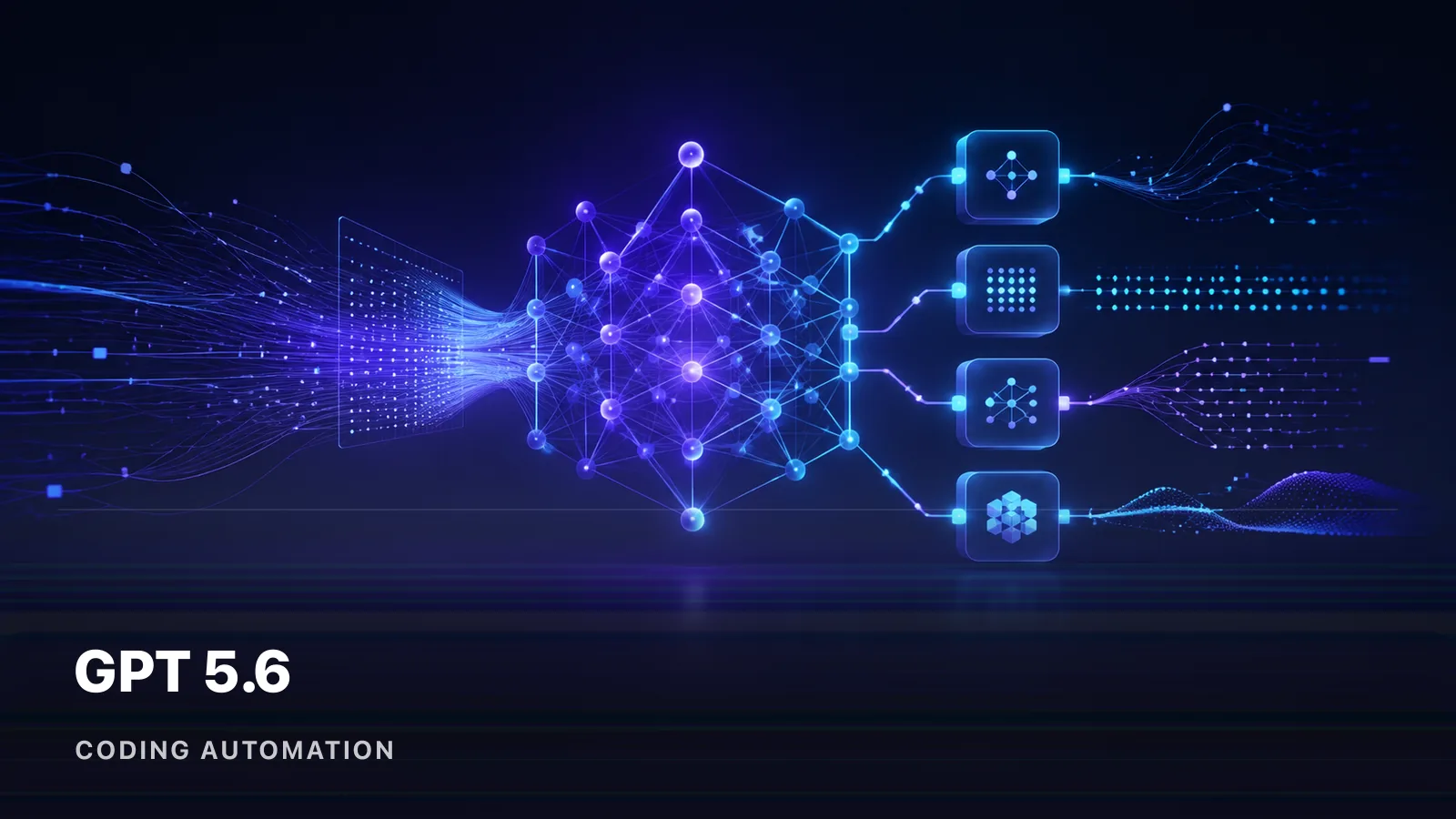
GPT 5.6 API example for Coding agents and software delivery
Coding agents and software delivery with GPT 5.6.

02

Research and complex reasoning

Use GPT 5.6 to decompose difficult questions, compare evidence, and produce decision-ready analysis. Ask the model to distinguish sourced facts, assumptions, and recommendations so reviewers can verify the result.

Try GPT 5.6 in the playground
GPT 5.6 API example for Research and complex reasoning
Research and complex reasoning with GPT 5.6.

03

Tool-connected workflow automation

Use GPT 5.6 to classify tasks, select tools, prepare structured arguments, and summarize results inside a larger workflow. Keep permissions and action validation outside the model boundary.

Try GPT 5.6 in the playground
GPT 5.6 API example for Tool-connected workflow automation
Tool-connected workflow automation with GPT 5.6.

APIAny advantages

Why use GPT 5.6 through APIAny?

APIAny combines direct model access with the operational controls needed to move from evaluation to production without maintaining a separate integration for every provider.

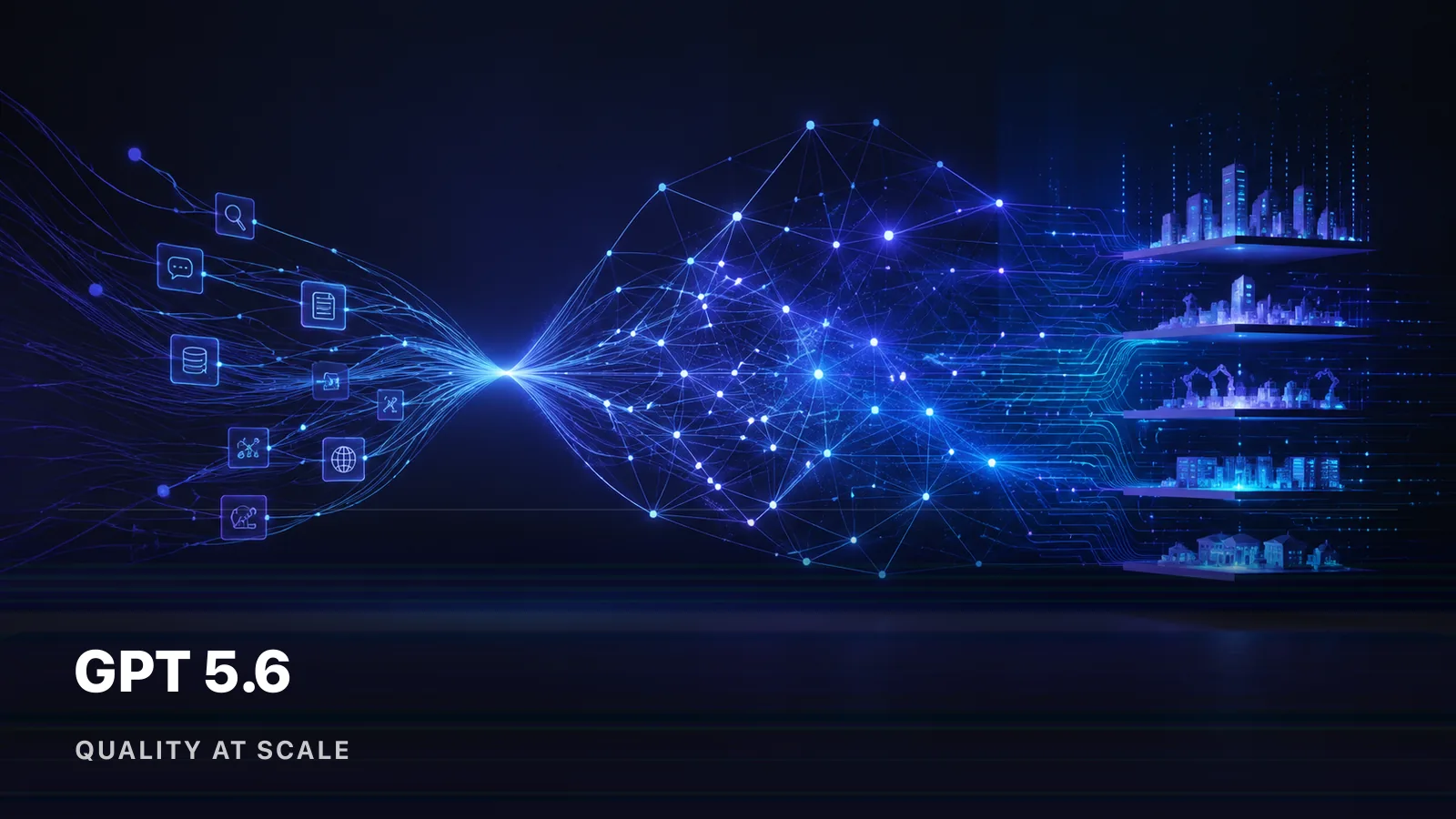
GPT 5.6 production benefits and operational value
Production value delivered by GPT 5.6.

One stable API surface

Call GPT 5.6 with an APIAny key and a documented request format. Keep your application integration stable while model versions and upstream routes evolve behind the gateway.

Transparent usage and pricing

Review the live GPT 5.6 pricing rules before a request, estimate credits in the playground, and inspect request-level usage records after the call completes.

Production routing controls

Use model status, channel health, retry policy, and usage logs to operate GPT 5.6 as part of a production workflow instead of treating it as an isolated demo.

Core capabilities

Key GPT 5.6 API features

The following capabilities explain the practical input, output, and workflow characteristics that matter when evaluating GPT 5.6. Available request parameters remain visible in the live API reference on this page.

GPT 5.6 capabilities and technical workflow
How GPT 5.6 capabilities work together.

/01

Complex reasoning

Use GPT 5.6 to break down multi-step problems, compare alternatives, and produce structured conclusions that can be reviewed.

/02

Code generation and analysis

Apply GPT 5.6 to implementation, debugging, refactoring, repository navigation, and technical explanation with test-based verification.

/03

Tool and agent workflows

Let GPT 5.6 prepare or select tool calls while your application enforces permissions, validates arguments, and records actions.

/04

Long-context processing

Use a large context window for codebases, documents, conversation history, and multi-step instructions while monitoring token cost.

/05

Streaming responses

Render supported GPT 5.6 text output incrementally for interactive assistants and long-running generation tasks.

/06

OpenAI-compatible integration

Use familiar request patterns where supported, while APIAny handles authentication, model selection, billing, and usage records.

Integration

How to integrate the GPT 5.6 API

Move from a playground test to an authenticated production request in three steps. The page keeps the model identifier, request schema, pricing, and response examples together. Move from a representative prompt to monitored production traffic with explicit quality and fallback checks.

GPT 5.6 API integration from request to output
Connecting GPT 5.6 from API request to result.
  1. 01

    Create an API key

    Sign in to APIAny, create a project API key, and assign only the model scope and budget controls your application needs.

  2. 02

    Send a GPT 5.6 request

    Copy the request example from this page, set the model field to the selected GPT 5.6 version, and send it to the documented APIAny endpoint.

  3. 03

    Monitor and refine

    Track status, latency, credits, and returned usage. Compare versions or related models with the same workload before shifting production traffic.

SourceOpenAI official documentation

ProviderOpenAI

Reviewed2026-07-20

FAQ

GPT 5.6 API frequently asked questions

Direct answers about capabilities, use cases, integration, and choosing the right GPT 5.6 route.

What is the GPT 5.6 API?

OpenAI GPT 5.6 is a next-generation model family with selectable quality and efficiency tiers for reasoning, coding, agents, and production automation. APIAny makes this model callable through an authenticated API with live pricing, status information, request examples, and a browser playground on the same page.

What can I build with the GPT 5.6 API?

Common GPT 5.6 workflows include Coding agents and software delivery, Research and complex reasoning, Tool-connected workflow automation. The best fit depends on the input format, output quality, latency, and cost your product requires.

How do I call GPT 5.6 through APIAny?

Create an APIAny key, use the endpoint documented on this page, and set the request model field to the selected GPT 5.6 version. The playground can generate a working payload before you integrate it into application code.

How should I choose a GPT 5.6 version?

Compare the versions shown on this page by price, supported parameters, and capabilities such as Complex reasoning, Code generation and analysis, Tool and agent workflows. Test a representative production input before choosing the default route.

API Reference

Call this model through a standard REST API. Authenticate with your API key, then pick an endpoint below to see its parameters and examples.

Authentication

Every request needs a Bearer token in the Authorization header. Create an API key in the console.

Authorization: Bearer YOUR_API_KEY
POSThttps://apiany.ai/v1/chat/completions

Request parameters

ParameterTypeRequiredNotes
modelstringRequiredModel identifier to invoke. Use this model's ID.
messagesarrayRequiredConversation history in OpenAI chat format (role + content).
streambooleanOptionalWhen true, the response streams back as server-sent events.

Request example

curl "https://apiany.ai/v1/chat/completions" \
  -H "Authorization: Bearer YOUR_API_KEY" \
  -H "Content-Type: application/json" \
  -d '{
  "model": "gpt-5.6-terra",
  "messages": [
    {
      "role": "user",
      "content": "Summarize the following text in three concise bullet points:"
    }
  ],
  "temperature": 0.7,
  "max_tokens": 1024
}'

Response example

{
  "id": "chatcmpl-abc123",
  "object": "chat.completion",
  "model": "gpt-5.6-terra",
  "choices": [
    {
      "index": 0,
      "message": {
        "role": "assistant",
        "content": "Hello! How can I help?"
      },
      "finish_reason": "stop"
    }
  ],
  "usage": {
    "prompt_tokens": 12,
    "completion_tokens": 18,
    "total_tokens": 30
  }
}

More models

Explore all models

GLM-5.2

GLM logoText Generation

Gemini 3.5 Flash

Google logoText Generation

MiniMax M3

MiniMax logoText Generation

DeepSeek V4

DeepSeek logoText Generation

APIAny API gateway for every production AI model.

Popular Models

  • Seedance 2.0
  • GPT Image 2
  • Nano Banana 2
  • Z-Image
  • Gemini Omni

Collections

  • All Collections
  • GPT API Family
  • Seedance API Family
  • Gemini API Family
  • GPT Image API

Model Types

  • Text Generation
  • Image Generation
  • Video Generation
  • Audio Generation

Platform

  • Models
  • Pricing
  • Docs
  • Contact

Legal

  • Privacy Policy
  • Terms of Service
  • Refund Policy
© 2026 APIAny. All rights reserved.
support@apiany.ai
English
Français
Deutsch
中文
日本語
한국어
Español
APIAny logoAPIAny