Kimi K3 is Moonshot AI's flagship model with native vision and up to a one-million-token context window for long-horizon coding, multimodal knowledge work, complex reasoning, and agent workflows.
Price: 4 credits per 1K input tokens · ≈ $0.002-$0.004 · 20 credits per 1K output tokens · ≈ $0.01-$0.02High stability with detailed usage records on the APIAny platform.
kimi-k3
86 (suggested: 2,000)
Kimi K3 always reasons and currently supports only max.
131072
11048576
Maximum reasoning plus final-answer tokens. Kimi K3 defaults to 131072 when omitted.
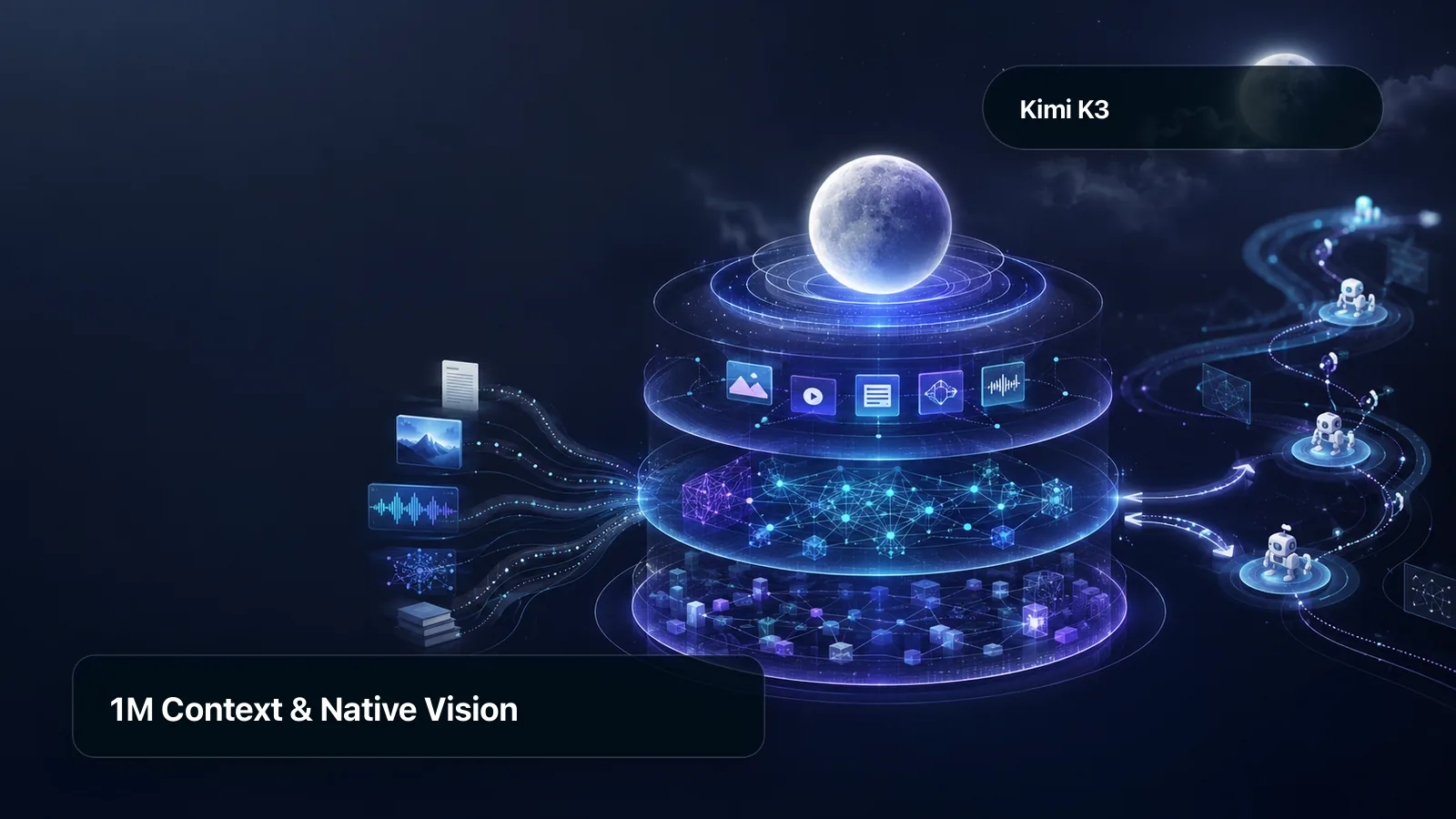
Kimi K3 API access brings Moonshot AI's flagship model to applications with native vision and a context window of up to one million tokens. Kimi K3 can work across text, images, code, and extended task history in one model workflow.
Kimi K3 is designed for difficult repository work, multimodal knowledge synthesis, complex reasoning, and long-horizon agent tasks. Fewer handoffs and retries can reduce total task cost when one capable route can keep the evidence, plan, and intermediate results together.
Kimi K3's capacity does not make irrelevant context useful. Production systems still need retrieval, careful context and state preservation, application-controlled permissions, executable tests, and output verification before results trigger downstream actions.
The quotations below are from official API documentation that APIAny implements against.
The Chat Completions API endpoint will generate a model response from a list of messages comprising a conversation.
The Gemini API provides access to Google's most capable generative AI models.
Use cases
What can you build with the Kimi K3 API?
The Kimi K3 API is used for product workflows that need this model's output. Test the same inputs in the playground, compare related models, and choose the route that meets your quality, latency, and budget requirements.
01
Repository-scale coding
Use Kimi K3 across large repositories to follow dependencies between files and carry a plan through patches, tests, and tool results. The application keeps control of permissions and runs the final test validation before changes are accepted.
Give Kimi K3 long documents, images, tables, and technical evidence to produce structured, traceable analysis. Retrieve only relevant context and keep citations or source links available for review.
Kimi K3 on APIAny is a production route with one key, live prices, status, and usage records, so you do not maintain a separate provider integration.
Production value delivered by Kimi K3.
One stable API surface
Call Kimi K3 with an APIAny key and a documented request format. Keep your application integration stable while model versions and upstream routes evolve behind the gateway.
Transparent usage and pricing
Review the live Kimi K3 pricing rules before a request, estimate credits in the playground, and inspect request-level usage records after the call completes.
Core capabilities
Key Kimi K3 API features
Kimi K3 API features are the input, output, and workflow traits that matter when you evaluate this model. Available request parameters remain visible in the live API reference on this page.
How Kimi K3 capabilities work together.
/01
Long-context processing
Use a large context window for codebases, documents, conversation history, and multi-step instructions while monitoring token cost.
/02
Multimodal understanding
Combine supported text and visual inputs so Kimi K3 can reason over more than one content format in the same workflow.
/03
Code generation and analysis
Apply Kimi K3 to implementation, debugging, refactoring, repository navigation, and technical explanation with test-based verification.
/04
Complex reasoning
Use Kimi K3 to break down multi-step problems, compare alternatives, and produce structured conclusions that can be reviewed.
/05
Integration
How to integrate the Kimi K3 API
Integrating the Kimi K3 API is a three-step path from playground test to authenticated production request. The page keeps the model identifier, request schema, pricing, and response examples together. Move from a representative prompt to monitored production traffic with explicit quality and fallback checks.
Connecting Kimi K3 from API request to result.
01
Create an API key
Sign in to APIAny, create a project API key, and assign only the model scope and budget controls your application needs.
02
Send a Kimi K3 request
Copy the request example from this page, set the model field to the selected Kimi K3 version, and send it to the documented APIAny endpoint.
03
Monitor and refine
Track status, latency, credits, and returned usage. Compare versions or related models with the same workload before shifting production traffic.
FAQ
Kimi K3 API questions
Practical answers about Kimi K3 capabilities, APIAny access, long-running workflows, and production evaluation.
What is the Kimi K3 API?
Kimi K3 is Moonshot AI's flagship model for native-vision, long-context, coding, reasoning, knowledge-work, and agent tasks. APIAny provides authenticated model access, live pricing, a Playground, and the request Reference on this page.
Does Kimi K3 support a one-million-token context?
Moonshot AI positions Kimi K3 with a context window of up to one million tokens, which can accommodate large repositories, document collections, images, and long task histories. That official model capacity is distinct from the request fields currently exposed by APIAny. Check the live Reference for the model identifier, supported inputs, and present parameter limits before building a production request.
Can Kimi K3 handle large repositories and long-horizon coding?
Use Kimi K3 for multi-step work that requires tool choice, preserved state, feedback, and revision. The host application validates tool arguments and permissions, records progress, and handles failures or retries.
Use model status, channel health, retry policy, and usage logs to operate Kimi K3 as part of a production workflow instead of treating it as an isolated demo.
Tool and agent workflows
Let Kimi K3 prepare or select tool calls while your application enforces permissions, validates arguments, and records actions.
/06
Streaming responses
Render supported Kimi K3 text output incrementally for interactive assistants and long-running generation tasks.
/07
OpenAI-compatible integration
Use familiar request patterns where supported, while APIAny handles authentication, model selection, billing, and usage records.
Kimi K3 is positioned for long-horizon coding that can follow dependencies, maintain a plan, apply patches, read tool results, and revise after feedback. Give it a scoped repository view and explicit acceptance criteria instead of an unrestricted workspace. Your application should retain permission control and run the final build, tests, and code review.
Can Kimi K3 work with images and complex documents?
Yes. Kimi K3 has native vision and can combine supported visual input with long documents, tables, and technical evidence for multimodal knowledge work. Retrieve the relevant sources, ask for structured and traceable output, and verify conclusions against the original evidence.
How do I call Kimi K3 through APIAny?
Create an APIAny key, use the endpoint shown in the live Reference, and select the listed Kimi K3 model identifier. The official model capability does not imply that every possible option is an APIAny request field. Start with the page's current example, test it in the Playground, and treat the Reference as authoritative for supported parameters.
How should an agent preserve tool and conversation state with Kimi K3?
Store the conversation, plan, tool calls, tool results, and approval decisions in application-managed state rather than assuming one request owns the workflow. On each step, send only the relevant state and validate tool names, arguments, permissions, and results. Use checkpoints so failures can resume safely without replaying completed side effects.
When should I use a lighter model instead of Kimi K3?
Choose a lighter model when the task is short, narrow, high-volume, or latency-sensitive and does not benefit from native vision, deep context, or long-horizon coordination. Compare representative tasks rather than model labels alone. Route straightforward work to the smallest model that meets quality targets, while reserving Kimi K3 for cases where fewer handoffs or retries improve total task economics.
Which production metrics should I track for Kimi K3?
Track first-success rate and total completion time, not only single-request latency. Also monitor retries, token usage, valid tool-call rate, human edits, and fallback rate by task type so quality and total task cost remain visible.